Bet365 Deposit Methods 2026

Indian players can fund their Bet365 account in 2026 through secure and verified payment systems designed for fast processing in INR. The platform supports both local and international methods, which gives users flexible access to sportsbook and casino sections. Deposits are protected by encrypted connections and account verification procedures to secure personal and financial data.
Most payment options process instantly or within a short time, depending on the selected method. Indian users can choose between cards, e-wallets, prepaid services, UPI solutions, and bank transfers, with transactions completed through regulated banking channels. The deposit process is direct, and funds usually appear in the balance without long waiting periods.

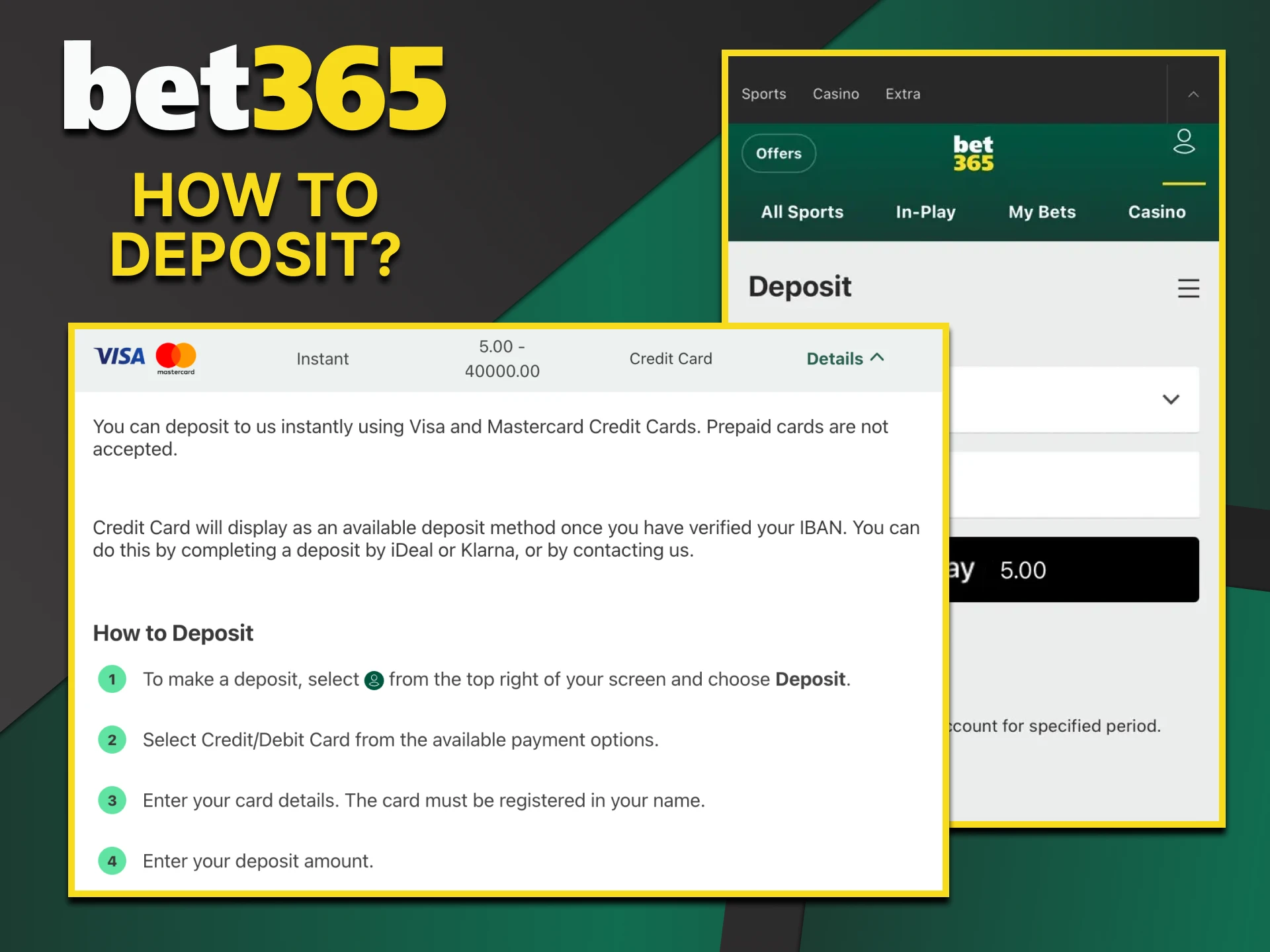
We will tell you about the deposit on the Bet365 website.

How to Deposit on Bet365?

New users can complete a deposit in a few minutes through the account menu. The process works the same on mobile and desktop, and the balance updates after payment approval.

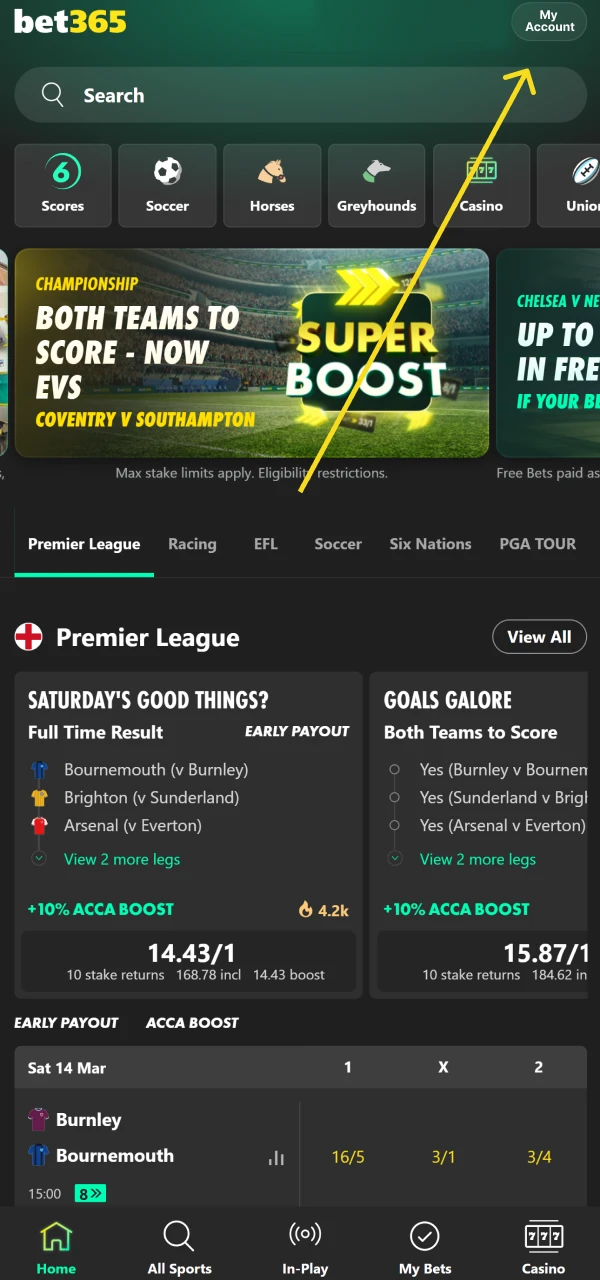
  1. Open the account menu by selecting the My Account icon in the top right corner.
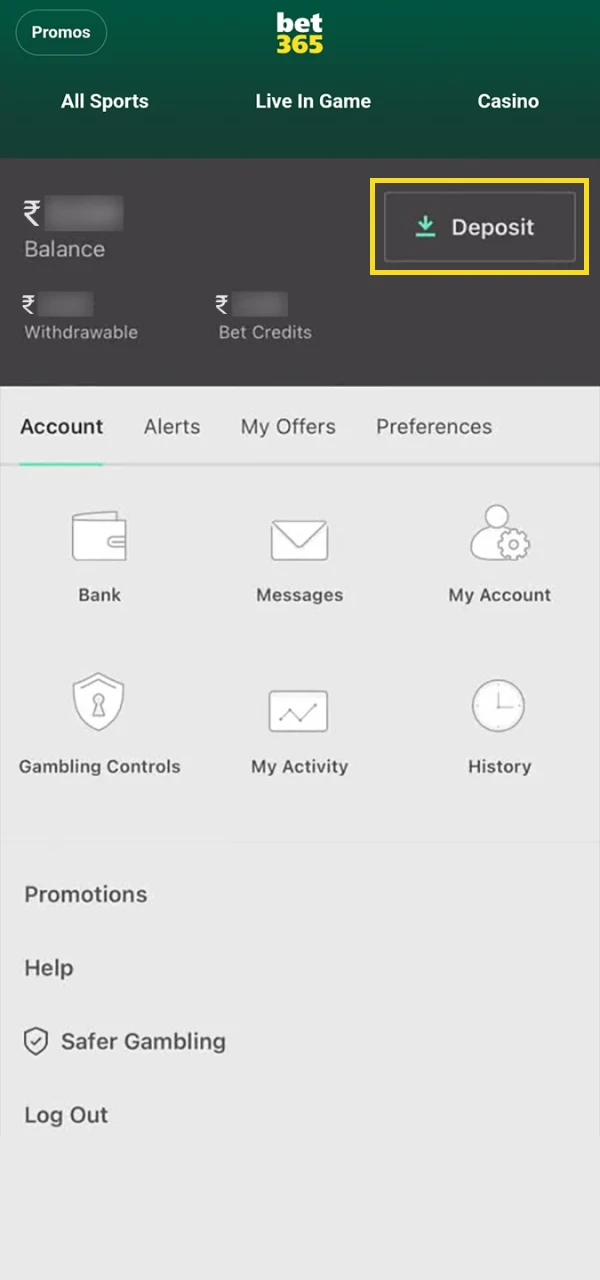
  2. Select Deposit to open the payment page.
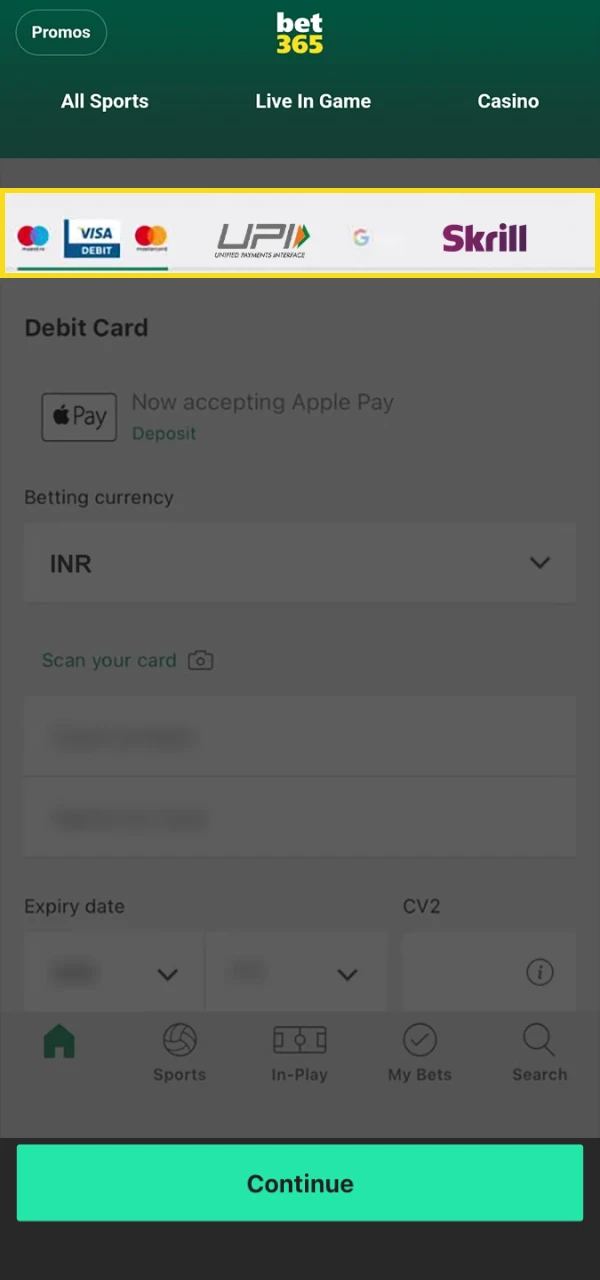
  3. Choose a preferred method from the available payment options.
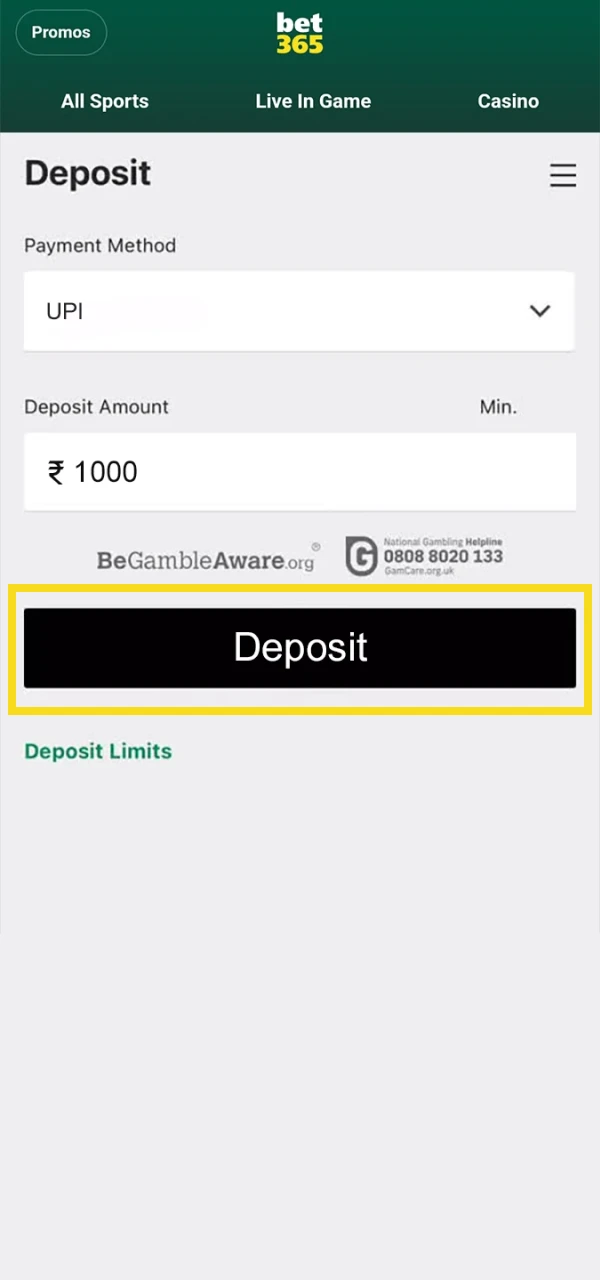
  4. Enter the deposit amount in INR and check the payment details.
  5. Select Deposit to confirm the transaction and credit the balance.
Top up your Bet365 deposit in just a few clicks.

Bet365 Deposit Methods, Time, and Limits

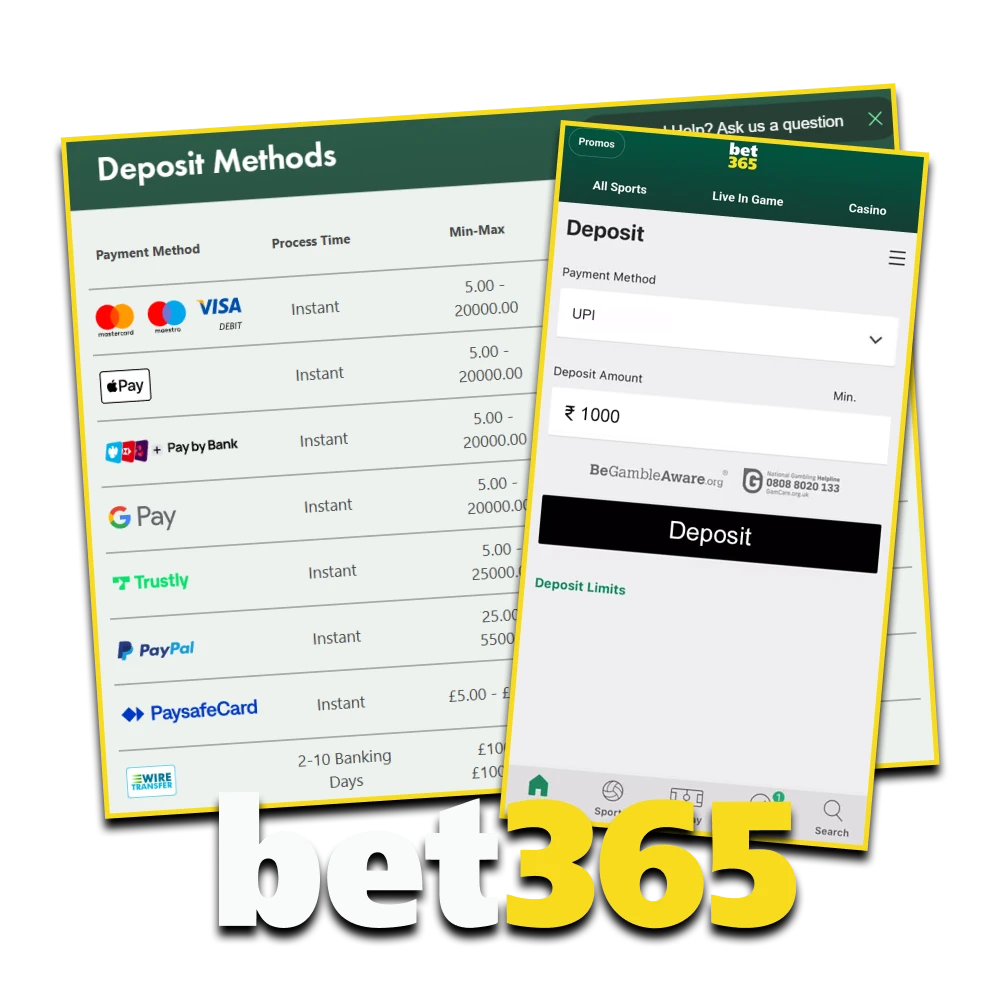
There are several deposit options for Indian players, including local banking tools and international payment systems. Processing time, minimum and maximum limits, and fees depend on the selected method. Most deposits reflect instantly, while bank-based transfers may require additional processing time.
The table below outlines common deposit methods and what users can expect in 2026.

Deposit Method Minimum Deposit (INR) Maximum Deposit (INR) Commission / Fees Processing Time
UPI (Google Pay, PhonePe, Paytm) 900 2,700,000 0% Instant
NetBanking 900 2,700,000 0% Instant – A few hours
Debit Card (Visa / Mastercard) 900 2,700,000 0% Instant
Credit Card (Visa / Mastercard) 900 2,700,000 0% Instant
Skrill 900 3,420,000 0% Instant
Neteller 1,800 4,500,000 0% Instant
Payz 900 2,700,000 0% Instant
Paysafecard 900 90,000 0% Instant
AstroPay 900 900,000 0% Instant
Wire Transfer 4,500 18,000,000 0% 2–10 days

How to Make a Deposit from the Bet365 App?

The Bet365 mobile app allows users to fund their account directly from a smartphone or tablet. The deposit process is quick and works the same way as on desktop, with full access to payment options in INR. Mobile access helps complete transactions from any location without switching devices. Do the following to deposit through the app:

1

Open the app.

Open a personal account to top up your deposit on Bet365.

Open the app and tap the My Account icon in the top corner.

2

Select Deposit.

Open the deposit replenishment section on Bet365.

Select Deposit from the account menu.

3

Choose a payment method.

Choose a quick method to top up your Bet365 deposit.

Choose a preferred payment method and enter the amount in INR.

4

Confirm.

Complete your Bet365 deposit.

Confirm the transaction to credit the balance.

Most mobile deposits reflect instantly, which gives immediate access to the sportsbook and casino sections.

Bet365 Deposit Time

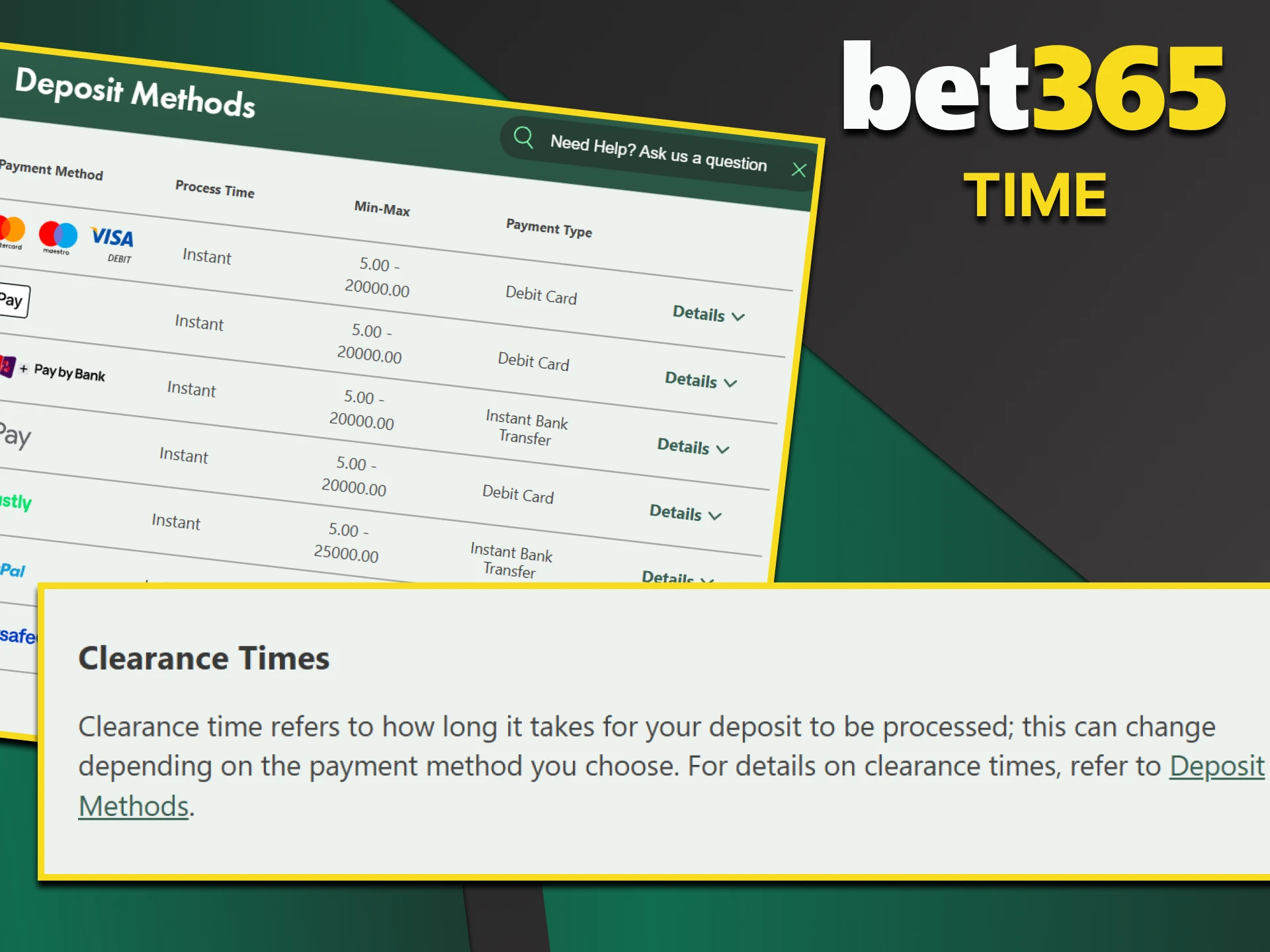
Most deposit methods at Bet365 process instantly after payment confirmation. Funds usually appear in the account balance within seconds, which allows immediate access to the sportsbook and casino sections.
Card payments, UPI transfers, and e-wallet deposits typically reflect without delay—the balance updates automatically once the transaction is approved by the payment provider.
In rare cases, processing may take longer due to banking checks or technical verification. Bank transfers can require additional time depending on the selected method and banking hours.

The time it takes for funds to be deposited depends on the deposit method you choose on Bet365.

Deposit Issues at Bet365

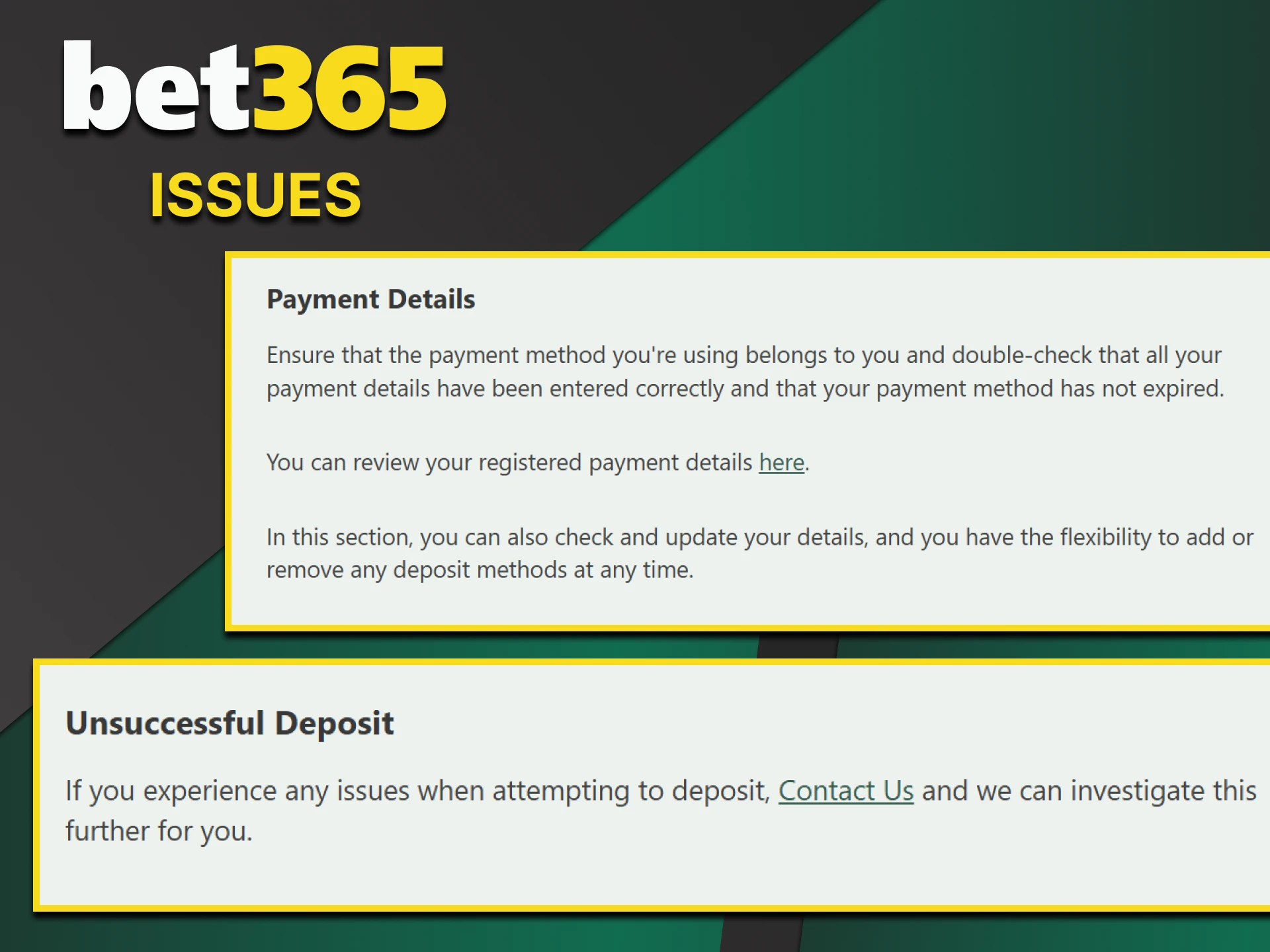
Most deposits process without delay, but payment issues may occur due to banking restrictions, expired cards, or incorrect details. If a transaction fails, review the entered information and confirm that sufficient funds are available in your payment account.
If the issue continues, contact customer support through live chat or the official contact form. Support agents can review the transaction status and provide guidance based on your payment method.
The FAQ section also includes answers related to declined payments, verification checks, and processing delays. Checking these resources may help resolve common deposit questions quickly.

If you have any problems with your deposit, please contact Bet365 support.

Conclusion

Bet365 provides Indian players with a wide range of deposit methods, including UPI services, cards, e-wallets, and bank transfers. Local and international options operate in INR, which gives flexible access to sportsbook and casino sections.
Most transactions process instantly, and encrypted payment systems protect financial data during every transfer. Deposit limits vary by method, which allows users to choose an amount that fits their budget.
If any issues occur, customer support and the FAQ section provide assistance and guidance. The deposit system combines speed, security, and flexibility for daily betting activity.

We will tell you about the deposit on the Bet365 website.

FAQ

What is the minimum deposit at Bet365?

The minimum deposit usually starts from 900 INR, depending on the selected payment method.

Are deposits processed instantly?

Most payment methods, such as UPI, cards, and e-wallets, process instantly after confirmation.

Are there any deposit fees?

Bet365 does not charge deposit fees on supported payment methods, and commission is typically 0%.

How can I check my deposit status?

Deposit history is available in the account section under transaction details.

Can I use someone else’s payment method?

No, the payment method must belong to the registered account holder.

What should I do if funds are not credited?

Wait a few minutes for processing, then contact customer support if the balance does not update.

Comments

The value is incorrect

The value is incorrect

The value is incorrect

Something went wrong. Please, try again later

Updated: